Monday, February 27, 2017

To Genrefy or Not to Genrefy? That is the question...

Genrefying Your Fiction Section

A topic about school libraries that is very interesting to me is genrefying. Before I became a school librarian, at the beginning of this school year, I had no idea what this meant. For those of you who don’t, genrefying means that fiction books are organized by genre rather than by the standard Dewey Decimal System.

I have heard arguments for both sides of this issue. Librarians who are pro-genre say that it makes it easier for students who are interested in mystery to find all the mystery books together (similar to how a bookstore) than having to use the library catalog to find each book.

Common reasons to genrefy include:
  1. Increased patron ease of locating books
  2. Easy to identify collection needs
  3. Increases appeal of many books
  4. Provides opportunities for genre study
  5. Increase overall circulation

Opponents to genrefication, say that it can become too confusing when a book might fall into more than one category--what do you do? (ex: a romantic science fiction book). Other people who don’t like this idea say that it makes it too easy for students to get pigeon-holed if they refuse to look at anything other than their favorite genre.

Common reasons not to genrefy include:
  1. Consistency lacking from one library to another
  2. Unclear labeling
  3. Discovery and exploration is taken away from students
  4. Takes lots of human energy/time to make the switch

I see both sides to this argument and although I currently work in a Dewey library I could see myself one day trying genrefying.

Here is the link to a YouTube video that spells out the pros and cons very nicely: https://youtu.be/XL4pdZ8S7H4

Here are some websites that tackle the issue:
  1. 5 Steps to Ditching Dewey: Genrefication in Your School Library http://ideas.demco.com/blog/5-steps-to-ditching-dewey-genrefication-in-your-school-library/
  2. So You Want to Genre-fy Your Library… http://www.ala.org/alsc/genrefyyourlibrary
  3. YA Books and More: Why Genrefy? The Hows and Whys I Decided to Change http://naomibates.blogspot.com/2013/10/why-genrefy-hows-and-whys-i-decided-to.html



Monday, February 13, 2017

Project-Based Learning

Project-Based Learning (PBL) has become a big buzzword in education in the last 5 years or so. I love the idea of making school more hands on and interactive – it makes the likelihood that students will retain information much higher when they can see its usefulness and apply it themselves where possible.  I am sure school librarians play a large part in developing PBL programs, but if they don’t, they should!

If you are interested in PBL programs, you should definitely check out the blog (https://www.bie.org/blog/) from the Buck Institute for Education, a Californian non-profit specializing in project-based learning-related resources. They do a nice job of not only discussing PBL programs in general, but every week they do a roundup of articles on PBL programs that they think are worth reading. It's a great way to keep up with what's happening in the world of PBL programs.


Collaboration on a Fixed Schedule

Collaboration.  It's something that is fundamental to our job as teacher librarians.  We are support personnel, using our expertise to guide students in their quest for information literacy skills while at the same time grounding that quest in a topic that has relevance to them in their lives and in their classrooms.  To accomplish that feat, we have to collaborate with classroom teachers.  Teaching teachers how to co-plan and collaborate is part of most teacher preparation programs (for a guide, see this packet from William and Mary). Yet in many schools, especially at the elementary level, the library is part of the resource rotation, and classroom teachers are having their planning time while the librarian is instructing their classes.  How can we collaborate when we are not available to plan at the same time?

Last fall, I began my first job as a teacher librarian in a PK-8 school with around 1100 students.  I share the instructional load for all grade levels with one other teacher librarian, and we run a fixed schedule.  On the elementary side, we are part of the resource rotation, so teachers are planning while we teach their classes.  On the middle school side, the English teachers bring their classes on set days at set times for information literacy lessons and checkout.  Their schedule is slightly more flexible than the elementary schedule, but it is mostly fixed because we were having trouble getting some of the classes into the library regularly.  Even so, our planning time as teacher librarians does not coincide with the planning time of our middle school teachers, either.  In fact, the other teacher librarian and I are only able to meet with each other on a regular basis for co-planning.

So, how do we collaborate with classroom teachers on a fixed schedule?  Here's what works for us:


  1. Email.  When we are not sure what students are learning about in the classroom, or what skills they need more practice with, we email the teachers.  This has been especially helpful with our PK classes, since they don't have an official curriculum that is available for us to see.  We have also used input received from teachers through email to plan lessons for an individual class that needed remedial help with concepts that other classes had mastered.  When we are having trouble catching up with an individual teacher or need input from an entire grade level, email is an excellent collaboration tool.
  2. Brief face-to-face talks.  Our teachers come into the library to drop off their classes and pick them up.  When we have simple questions, talking to the classroom teacher face-to-face is quick and helpful.  This is an excellent way to build relationships and let the classroom teachers know that we are working to help support their instruction in the library.
  3. District Pacing Guides.  Our district launched a new website from the Department of Curriculum, Instruction, and Assessment.  This website includes links for the curriculum of every core subject in grades K-12 and the curriculums of the Career and Technical Education, Health and Wellness, Foreign Language, Library Services, Music, and Visual Arts Departments.  This website has been a godsend for cross-curricular planning, and has allowed us to stay up to date on what students should be learning in the classroom so that we can integrate that into our library lessons.  
Do you have other strategies for collaborating with classroom teachers on a fixed schedule?  Share them in the comments below!

For more information on collaboration between teacher librarians and classroom teachers, check out this article from School Library Media Research.

ProjectENABLE: Helping librarians meet the needs of ALL students


What is ProjectENABLE?
From the website: “Our vision is to provide professional development for library professionals from all types of libraries in order to build capacity for providing equitable access and services to students with disabilities, an underserved population. Project ENABLE training is intended to (1) raise the level of librarians' understanding of and sensitivity for the library and information needs of students with disabilities and (2) foster their ability to develop programs and services, provide adequate facilities, and select appropriate resources and technologies to meet those needs.”
Last semester I had the opportunity to complete the training modules for ProjectENABLE for one of my initial licensure courses. While my experience with my son, who is on the autism spectrum, has helped me have an understanding of some of the needs of students with autism, this website deals with more than just that. Topics discussed include individuals who are hearing impaired or visually impaired, have dyslexia, ADHD or autism, and those who might have physical disabilities.
The first module discusses ways in which libraries can promote self-determination in students, as well as defining what each disability looks like and basic accommodations that can be made for each within the library. Subsequent modules go into greater detail regarding accommodations and provide examples of best practices when designing lessons for all students in the library. Universal Design for Learning (UDL) is introduced and discussed as being extremely valuable in planning inclusive library lessons. Scenarios are presented throughout the modules and space is provided for librarians to brainstorm ways in which they would handle the situation in their own library and changes they might make for the future. Examples are also provided for each scenario. This module also includes a helpful link to the CAST website for more details and in-depth discussions regarding UDL.
Even if you think that your library is inclusive, I encourage all librarians to visit ProjectENABLE and either complete the training modules or access the other resources they have provided. For me this website was extremely helpful and provided a wealth of information that I had not known previously.
ProjectENABLE training modules can be accessed here: 
To test to see if your library is inclusive check out this post:
www.alsc.ala.org/blog/2012/04/top-ten-ways-to-tell-if-your-library-is-inclusive/ ProjectENABLE

For more information on UDL visit:
www.cast.org

Breakout EDU - Activities/Games in the Library


 Breakout EDU:  I've been hearing about this new activity at the beginning of the school year, and I had casually bookmarked a couple of articles and websites.  Sadly, I was unable to go back to it as my first year whirled along until our SBTS teacher asked us a couple  of days ago whether we wanted to join  him in rolling out BreakoutEDU to administrators, staff, and students during March and April in the library. I am pretty excited about this upcoming development, and I am now digging up all the information I can in preparation.


  • Active learning, hands-on, problem-solving game that encourages collaboration and creativity. It can be used in all curricular areas and is suitable for both small and large groups.  Personally, I like the flexibility of this puzzle game as it be used at any point of instruction: to pre-assess, reinforce,  or as a culminating activity. Teachers/librarians can purchase kits or make their own! There are tons of resources on Twitter, Facebook, and Pintrest.

On-line Resources: websites, blogs, etc.


  • Provides tips and background (multimedia options) on how to setup a Breakout EDU session. Additionally, it has a very informative blog on this site that shares ideas on how Breakout EDU is used by different content areas. Also like the pre-made games that teachers/librarians can DIY.


  • A general introduction to Breakout EDU, and one of the first places I had heard about this game.


  • Shows how a HS librarian implemented Breakout EDU in her library.


Articles

1. http://www.slj.com/2016/09/reviews/tech/breakout-edu-brings-escape-room-strategy-to-the-classroom-slj-review/#_

  • A handy introduction to Breakout EDU and how it has the similar concept of the popular Escape Rooms. Provides links to resources and additional information.


  • Talks about how to set up Escape Rooms( Breakout EDU) during Teen Tech Week to promote problem-solving and technology skills in the library.


  • Explains how Breakout EDU teaches students that working together to solve problems is more effective.


  • Illustrates how this game allows students to work together to solve problems. Provides additional information on how to implement it in the library.


One can never have too much fun in the library, and this sounds like an ideal way to combine fun and learning!
In a recent professional development, word clouds, specifically Wordle ,  were discussed as a way to teach vocabulary to students.  While Wordle is a great tool, it can sometimes be difficult to create and print.  Here are three great alternatives that I've found are a bit more user-friendly and customizable.
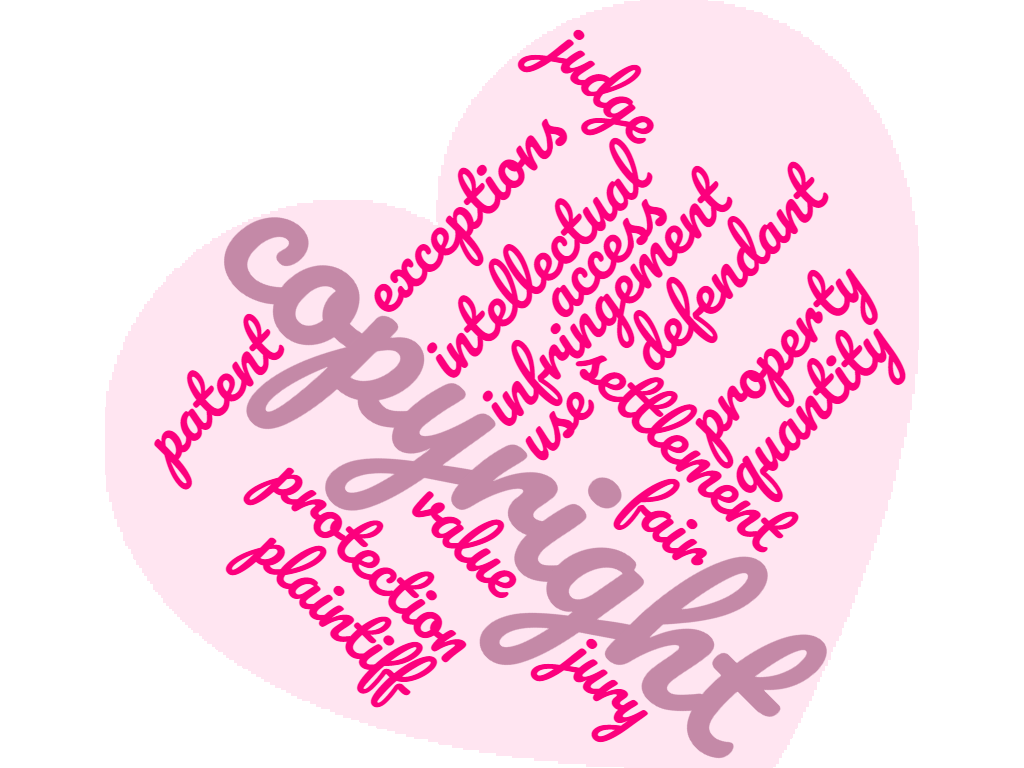
  1.  WordClouds.com - Use the wizard to quickly enter a list of words, either by typing directly or uploading a Word of PDF document.  Then you can use the shape button to choose from a variety of shapes, letters, or upload your own image.  The words are then scaled to fit within that shape.  You can make words larger or smaller using the sliding scale at the top of the picture.  There are also buttons to change colors and font, the direction of words (horizontal, vertical, diagonal, etc.) and even the gaps between the words.  It also features a mask feature which makes the original shape a watermark behind the words.  Another useful feature is the word upqkx0nlist where you can weight the importance of the word.  You open the list and every word has one.  By increasing that number, it makes that word bigger.  You can save images as JPG of PNG or you can easily print.  You can even share on Facebook and Twitter as well as other social media. Here is the one I created for copyright.
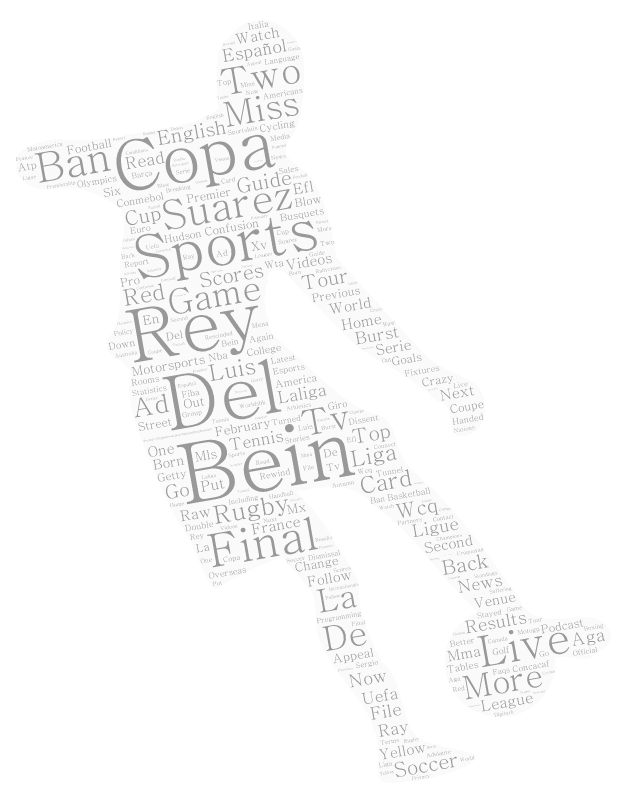
2.  Tagul.com - This interface is slightly more challenging than WordClouds.com but still relatively simple to use.  The buttons are to the left.  Click Words to get started. Enter either a list of words you want to use or you can enter a website address and it will pull the words from that page.  For my image, I used a Bleacher Report story about Luis Suarez pulled directly from that website.  You can adjust copy-of-word-cloud-2the size of each individual word so that more important words are larger.  Then choose a shape.  There are numerous categories to choose from.  Choose your fonts and layout (i.e. vertical, horizontal, etc.). You can choose a different color or the color that was used with the original shape.  You can also change the background color. Images can be saved (once you create an account) or printed directly from the page.  You can also download and share via email, Facebook, Twitter or a direct link.  PNG files are available for download.  The lowest quality is free, but there is a charge for the higher quality downloads.

For more information about how to use word clouds in the classroom, check out these two articles:
http://www.edudemic.com/5-ways-use-word-cloud-generators-classroom/
http://www.teachthought.com/uncategorized/19-interesting-ways-to-use-word-clouds-for-learning/

Sunday, February 12, 2017

Applications, portfolios, & interviews....Oh, my!

This past week our school district HR department emailed employment intention notices for the 2017-18 school year.  This was the first time that I have ever filled out a "transfer" application with "School Media Specialist" noted as my intention.  It's hard to believe that this journey, the road to becoming a certified school librarian, will soon be coming to an end.  It's been two and a half years since I started the School Librarianship program at Longwood.  I have learned so much and I am hopeful that my dream of becoming a school librarian will soon become a reality. Now that the time to begin my job search is actually here I have to acknowledge some conflicting feelings.  I am very excited about the possibility of interviewing for school library positions this spring.  I am also....well.... apprehensive.  I haven't had a job interview in over 12 years.  My resume is "somewhat" updated, but still needs tweaking.  The portfolio class that I took through Longwood was incredible...it really helped me to reflect on all that I had learned through the program.  The portfolio "defense" was initially a little intimidating, but was excellent practice for future interviews.  I found a few great resources regarding the job search and that first daunting year as a new school librarian.  I hope that these resources will be helpful to other "soon to be" librarians. Lisa Von Drasek  provides encouragement through her article, Hang in There: How to Get a Library Job Against All Odds Topics include:
  • Ratcheting up your resume
  • Does your cover letter cover all the bases?
  • Presenting the best possible you—online and off
  • Dress for success
  • How to ace the interview
  • Don’t forget to say thanks, formally
  • Don’t be discouraged
  • When preparation meets opportunity
Additional resources that provide a wealth of information for your first year as a school librarian: